WARDOGS crashing or won't open: what to try first
The answer, checked November 3, 2026: update the game to the latest version first. Update 0.1.2 (September 30, 2026) fixed the WD-L020 crash on Windows 11, and the Season 1 update, per its changelog, fixed two crash paths in the frame generation pipeline. If it still crashes after updating, turning off DLSS Frame Generation is worth trying — that is a suggestion, not an official fix.
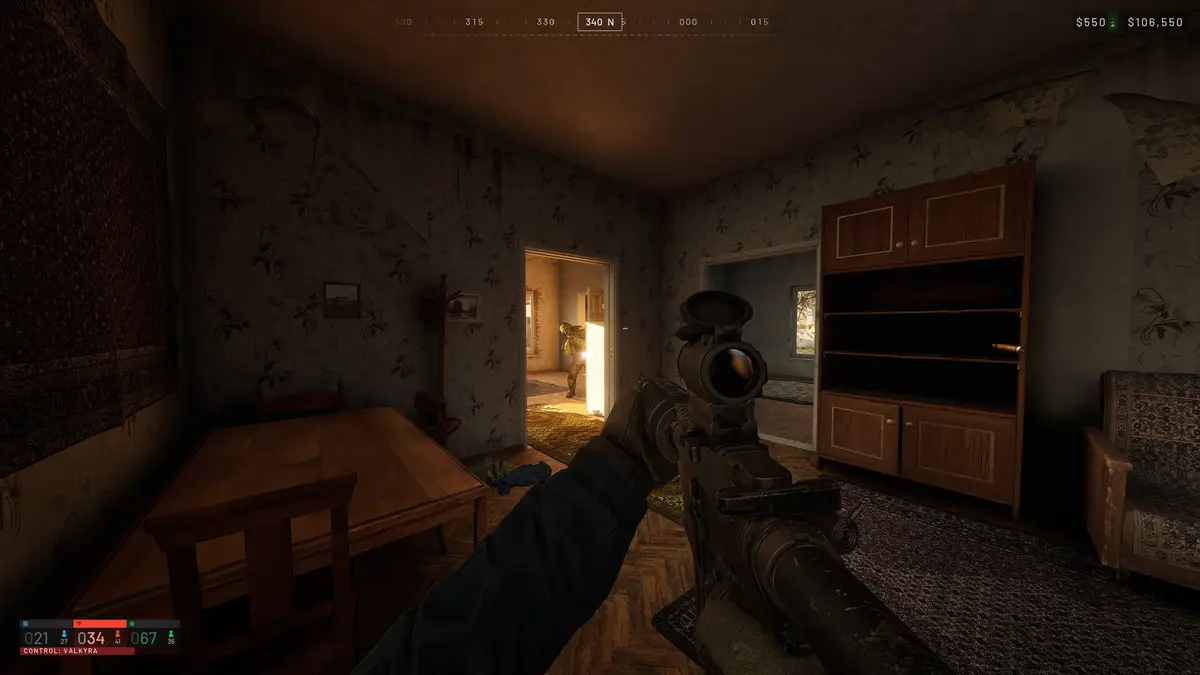
It crashes or won't open at launch
- Update the game.
WD-L020 on Windows 11 came from Windows update KB5124010 and is fixed in Update 0.1.2 (September 30, 2026), so the repair is the update itself. The WD-L020 steps are summarised on the WARDOGS tips page.
- Verify the game files.
Steam's own repair tool, Verify Integrity of Game Files, finds damaged or missing files. In Steam, right-click WARDOGS, then open Properties → Installed Files → Verify integrity of game files, and let the check finish before you launch.
- Check the system requirements.
WARDOGS requires Windows 10 or Windows 11, 64-bit. Linux and Steam Deck are not supported, so a crash there is outside official support.
It crashes while you play
Per the Season 1 changelog, the Season 1 update fixed two crash paths in the frame generation pipeline and made DLSS Frame Generation toggleable without restarting the game.
If crashes continue after the launch checks, turning DLSS Frame Generation off is worth trying. Treat it as a suggestion: it is not an official instruction.
Can't connect at all? That is not a crash. Servers go offline for about 1 hour, typically 08:00 UTC, around patches, so check the date and the current notice on the WARDOGS server status page before you repair anything.
Lag, or kicked mid-match? Per the Season 02 patch notes, official servers enforce a maximum ping per region and kick players who stay above it; a kicked player cannot rejoin the same server until the next map transition.
Sources
- Steam announcement "WARDOGS | Update 0.1.2 (Minor Patch)", September 30, 2026 — WD-L020 on Windows 11, KB5124010, and the update as the fix — read 2026-10-26
- Steam announcement "Pre-Load Live & Season 1 Changelog", September 9, 2026 — the two frame generation crash fixes and the no-restart toggle; the only source for both — read 2026-10-26
- Steam announcement "WARDOGS | Season 02 Patch Notes", October 14, 2026 — official server ping limits and the kick rule — read 2026-10-26
- Steam announcement "WARDOGS | SEASON 02 IS NOW LIVE", October 15, 2026 — the scheduled maintenance window — read 2026-10-26
- Steam Support "Verify Integrity of Game Files" — the repair tool — read 2026-10-26
- WARDOGS on the Steam store — the Windows 10/11 64-bit requirement and the Linux/Steam Deck exclusion — read 2026-10-26
- WARDOGS fan wiki crash fix guide — secondary, corroborates the WD-L020 cause — read 2026-10-26
More in this section
- WARDOGS tips — first matches, plus the WD-L020 crash steps in full.
- WARDOGS server status — maintenance windows, queues, and error codes.